

If you've worked in storage for a while, you've probably lived through one of two bad moments. Either the array is almost full and the new one is still six weeks away, or someone spent a big budget on capacity that sat empty for three years. Both usually come from the same habit: guessing. Here's how I try to replace the guess with a forecast I can explain to anyone.
Start with the right number
Most capacity mistakes start with measuring the wrong thing. So first, be clear about these four terms:
- Raw capacity: all the disks added together.
- Usable capacity: what is left after RAID, spares and system overhead.
- Allocated capacity: what has been handed out to hosts and volumes, which with thin provisioning can be much more than what is physically used.
- Used capacity: what is actually written.
Forecast used capacity against usable capacity. Planning on allocated numbers makes you panic too early. Planning on raw numbers makes you run out too soon.
Be careful with data reduction too. Dedupe and compression ratios depend entirely on the workload, so use the ratio you measure on your own systems, not the one from a sales slide.
Step 1: Collect history
Pull at least 12 months of used-capacity data, weekly or monthly, for each pool, volume group or datastore. A full year matters because it shows seasonality, like month-end processing or yearly cycles. If you have less, start collecting today and say so in your forecast.
Keep workloads separate where you can. Databases, file shares and backup copies all grow differently, and one combined number hides that.
Step 2: Work out the growth rate
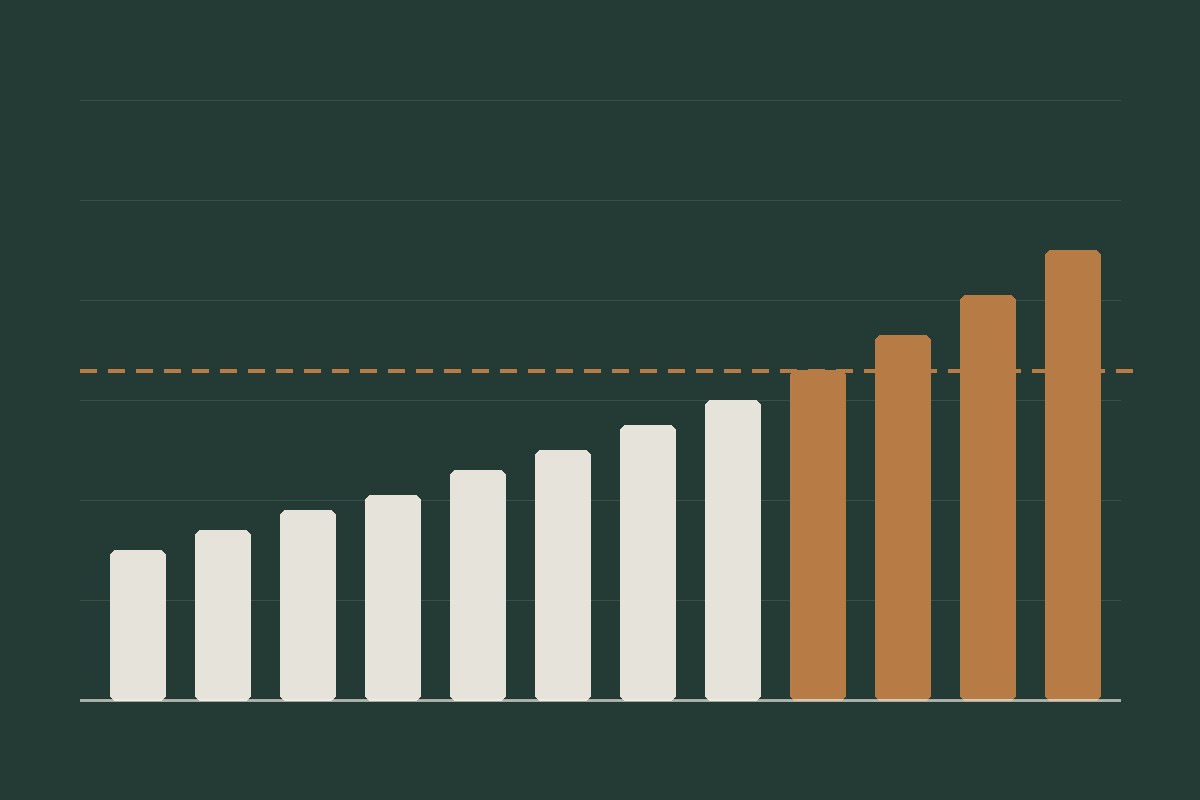
Plot the history and look at its shape. It usually looks like one of these:
- Steady linear growth: the same number of terabytes each month.
- Compounding growth: a percentage each month, which gets steeper over time.
- Step changes: sudden jumps from a migration, a new application or a retention change. Treat these separately instead of averaging them in.
For most environments, a monthly growth figure in terabytes is enough to start. Work it out from the recent trend, not from one odd month.
Step 3: Choose how to forecast
Which method is right depends on how old the system is, how big it is, and what a mistake would cost you. There are four common approaches:
- Manual trend analysis: project past growth forward. It needs only a few data points, so it suits small environments and new systems. It becomes slow and error-prone as volumes multiply, and it misses seasonal peaks and sudden jumps.
- Static alarm thresholds: alert when a volume passes a fixed level, such as 80% full. These show where you are now, not where you are heading. A volume at 60% that is growing fast can be a bigger risk than one at 80% that has been flat for months.
- AI-driven forecasting: machine-learning models learn patterns such as weekly cycles, month-end peaks and slow long-term growth. They need a good amount of history and improve as more data builds up.
- Predictive thresholds: alerts based on the forecast instead of the current level, for example "this volume will reach 80% within 30 days". They give you time to act before anyone feels the problem.
Here's how I think about it:
- For a new system, start manual. AI forecasting needs history, and a model trained on a few weeks of data is guesswork with extra steps.
- Weigh the cost against the benefit. In some industries, deploying an AI forecasting tool costs far more than the little it adds. If growth is slow and predictable, a simple trend is enough.
- For a large, steady environment, automate. Doing manual analysis across hundreds of volumes is a huge time sink, and by then there is enough history for a model to learn from.
- Check the output either way. Models struggle with step changes such as a migration or a new application, which is why the next step matters.
Step 4: Add what the data cannot tell you
A trend only describes the past. The future lives in people's heads: upcoming projects, new applications, longer retention, regulatory changes, planned migrations. Ask about them, and add each one as its own line item with a date and a size. In my experience, this conversation is often worth more than any chart.
Storage isn't only the storage team's call. The people who own the applications and databases know how their systems will behave, so bring them in early:
- Application owners: expected growth in users and transactions, and planned releases.
- Database administrators: database growth, archiving plans, and the size of logs and database backups.
- Business and compliance owners: retention policies and regulatory requirements, which often keep data longer than anyone planned.
- The backup team: backup copies, snapshots and replicas grow with everything above.
Ask each group for a date and a size, and add what they tell you to the forecast.
Step 5: Plan to a threshold, not to 100%
Don't plan to fill the system. Pick a utilisation target, often somewhere around 70% to 80% depending on the platform, and check your vendor's guidance, because performance and rebuild times can suffer as an array fills up.
Then use a simple formula:
Months remaining = (usable capacity × target utilisation − used capacity today) ÷ monthly growth
Here's an example with made-up numbers:
- Usable capacity: 200 TB
- Target utilisation: 75%, which is 150 TB
- Used today: 110 TB
- Growth: 2.5 TB per month
Months remaining = (150 − 110) ÷ 2.5 = 16 months.
Step 6: Subtract your lead time
This is the step people forget. Approval, purchasing, delivery, installation and migration all take time. If that adds up to four months, the date you have to act isn't month 16. It's month 12.
Step 7: Model three scenarios
One forecast is a bet. Three is a range:
- Expected: the current trend plus known projects.
- High: faster growth, for example 4 TB per month, which gives 10 months and a decision point at month 6 when lead time is included.
- Low: slower growth, in case projects are delayed.
When you present the plan, show the expected case and say clearly what would push you into the high case. People trust a range with reasons more than one confident number.
Step 8: Review it every quarter
A forecast isn't something you file and forget. Every quarter, compare what you predicted with what actually happened, and adjust the growth rate. Your forecasts get noticeably better over time, and that accuracy is what earns you trust when you ask for budget.
Common mistakes
- Forecasting allocated capacity instead of used capacity.
- Forgetting that backups, snapshots and replicas grow too, and need their own capacity plan.
- Looking only at terabytes. Performance (IOPS and latency) can run out before space does.
- Using a vendor's best-case data reduction ratio.
- Ignoring procurement lead time.
- Producing one number instead of scenarios.
A checklist to keep
- ☐ Measure used capacity against usable capacity
- ☐ Collect at least 12 months of history
- ☐ Separate workloads and growth patterns, and ask application and database owners about upcoming projects and retention
- ☐ Choose a forecasting method that fits the system's age and size
- ☐ Set a utilisation threshold below 100%
- ☐ Subtract lead time to find your action date
- ☐ Model expected, high and low scenarios
- ☐ Review and correct every quarter
One lesson from experience
In my experience, a company bought about 2 PB of storage across different disk types: NVMe, SATA, SAS and others. They planned the purchase to last five years.
The plan didn't survive contact with the business. Different teams needed more UAT environments. The databases needed more replication. Then a new business model meant a whole new system. Before long, the company had about a year of capacity left, not five.
Then came a second problem: the price of the technology had gone up, so buying more storage was slow and difficult just when it was needed most.
What I took from it:
- A long plan is a set of assumptions. When the business changes, the numbers change with it, so review the forecast every quarter instead of trusting a five-year figure.
- Production is not the only consumer. UAT, test and replicated copies of databases multiply the data, so ask for them by name.
- Plan for the business changing. Keep a scenario for a new system or a new business line, even when none is announced.
- Procurement conditions can change too. Prices and supply move, so start earlier than your lead time suggests.